Financial Management Software on Odoo
Our financial management solution connects accounting, invoicing, bills, bank reconciliation, expenses, budgets, tax and reporting in one Odoo system — so finance works from the same live data as sales, purchasing and operations.
For growing businesses, multi-company groups and finance teams moving off spreadsheets or disconnected accounting tools.
What we set up
- Chart of accounts, journals and taxes
- Customer invoicing and payment follow-up
- Vendor bills and payment runs
- Bank feeds and reconciliation
- Expenses, budgets and analytic accounts
- Financial reports and dashboards
Trusted by businesses in retail, textile, distribution, services and the public sector









What Goes Wrong When Finance Runs on Disconnected Tools?
Most finance teams re-key data between sales, purchasing and accounting. These are the problems we’re asked to fix.
Manual bookkeeping
Invoices and bills are typed into accounts by hand.
Poor cash flow visibility
Nobody knows today’s cash position without a spreadsheet.
Late invoicing and collections
Invoices go out late and overdue customers aren’t chased.
Slow bank reconciliation
Statements are matched line by line every month.
Tax and compliance effort
Tax returns are compiled from several sources.
Slow month-end close
Reports take days because data lives in different tools.
What Is Financial Management Software?
We deliver financial management on Odoo Accounting, connected to Sales, Purchase, Inventory, Expenses and Payroll where available. See our Odoo implementation and QuickBooks to Odoo migration services.
How Does Odoo Connect Financial Operations?
Every finance function works from one ledger, so sales, purchasing, banking and reporting share the same numbers.
Financial Management Software Modules
Configured for your entities, currencies and reporting needs.
General Ledger
- Chart of accounts and journals
- Journal entries and adjustments
- Multi-currency accounting
Invoicing & Receivables
- Invoices and credit notes
- Online payment links
- Automated payment follow-ups
Bills & Payables
- Vendor bills and refunds
- Approval and due dates
- Batch payments
Bank & Cash
- Bank statement import or feeds
- Reconciliation rules
- Cash position
Expenses
- Employee expense claims
- Receipt capture
- Approval and reimbursement
Budgets & Analytics
- Analytic accounts and plans
- Budgets versus actuals
- Cost centre reporting
Tax & Compliance
- Tax rules and fiscal positions
- Country localizations
- Lock dates and audit logs
Reports & Dashboards
- Profit and loss
- Balance sheet and cash flow
- Aged receivables and payables
How Does Integrated Financial Management Software Work?
When accounting shares one Odoo database with sales, purchasing, inventory and HR, every confirmed order, receipt, bill and expense creates the right accounting entries — so the books stay current without re-keying.
- Invoices created from sales orders and deliveries
- Vendor bills matched to purchase orders and receipts
- Bank transactions reconciled against open items
- Expenses approved and posted to the right accounts
- Financial reports updated in real time
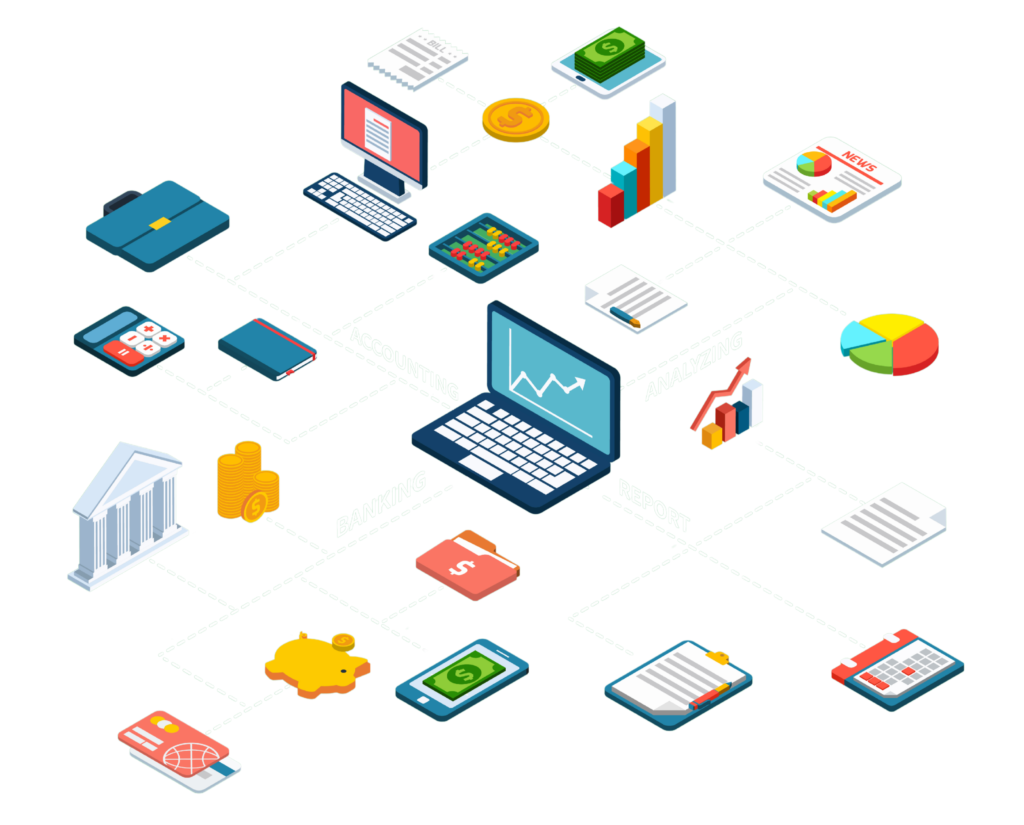
From Transaction to Report in Odoo Financial Management Software
Each step posts to the same ledger, so finance always works from current figures.
Which Businesses Is It For?
We configure Odoo Accounting for the way your business sells, buys and reports.
How We Implement Financial Management on Odoo
A structured rollout that keeps the books accurate throughout.
Finance Assessment
We review your entities, accounts, taxes, processes and reports.
Why it matters: The system fits how your finance team works.
You get: A process map and scope.
Solution Design
Chart of accounts, journals, taxes, analytics and approvals defined.
Why it matters: Clean structure from day one.
You get: A finance blueprint.
Configuration & Development
Odoo Accounting configured and custom reports or rules built.
Why it matters: A system shaped around your reporting.
You get: A test system.
Data Migration
Opening balances, open invoices and bills, and history loaded.
Why it matters: Balances that match your current books.
You get: Reconciled opening data.
Testing & Training
Invoicing, payments, reconciliation and closing tested with your team.
Why it matters: Confident users at go-live.
You get: Trained finance team.
Go-Live & Support
Cutover at a period boundary, then ongoing support.
Why it matters: A clean first close in Odoo.
You get: A live, supported system.
Changing accounting systems?
We’ll plan the cutover around your financial year and reconcile balances.
Book a DemoSpreadsheets vs Standalone Accounting vs Odoo Financial Management
What changes when finance runs on the same platform as the business.
Spreadsheets
- Manual journals
- Cash position unknown
- Reconciliation by hand
- Reports built every month
Standalone accounting software
- Sales and purchases re-keyed
- Inventory valued separately
- Integrations to maintain
- Limited operational detail
Odoo financial management
- Entries created from operations
- Live cash and receivables
- Automated reconciliation suggestions
- Analytic reporting by department or project
- Real-time financial statements
The Odoo Apps Behind Your Finance Team
Odoo Accounting at the centre, connected to the apps that create transactions.
Core finance
Recording and controlling.
Operations
Where transactions start.
Control & reporting
Planning and insight.
Why Choose MP Technolabs for Financial Management Software?
An Odoo team that understands how finance connects to the rest of the business.
How Much Does Financial Management Software Cost?
We estimate after understanding your finance setup. The main factors are:
| Factor | Why it matters |
|---|---|
| Apps | Accounting alone or with operations |
| Companies | Entities, currencies, inter-company |
| Users | Finance and approving users |
| Integrations | Banks, payments, other systems |
| Customization | Reports and rules beyond standard |
| Data migration | Balances, open items, history |
| Localization | Country tax and reporting needs |
What Are the Benefits of Financial Management Software?
A connected finance system helps you:
- Stop re-keying sales and purchase data
- See cash, receivables and payables in real time
- Invoice faster and follow up overdue payments
- Reconcile bank accounts in less time
- Apply taxes consistently on every transaction
- Close the month with live financial statements
Results depend on your starting point; we agree the KPIs to track during the assessment.
What Our Odoo Clients Say
Real words from real clients.
I’ve tried many partners, but I feel trust and experience with only the MP Technolabs team.
I appreciate working with the team — they delivered the project successfully.
I’ve never seen responsiveness like the MP Technolabs team provides — 24/7 support, they’re always there.
Financial Management Software FAQs
Clear answers to what finance teams ask before choosing a system.
What is financial management software?
Financial management software records and controls a business’s finances — general ledger, invoicing and receivables, bills and payables, bank and cash, expenses, budgets, tax and reporting — in one system.
Can Odoo be used for financial management?
Yes. Odoo Accounting provides the general ledger, invoicing, bills, bank reconciliation, taxes and financial reports, and connects directly to Sales, Purchase, Inventory and Expenses.
Does Odoo support bank reconciliation?
Yes. Bank statements can be imported or synchronized where a bank connection is available, and Odoo suggests matches and applies reconciliation rules.
Can it handle multiple companies and currencies?
Yes. Odoo supports multi-company and multi-currency accounting, with inter-company rules and group-level reporting.
Does it support tax and local compliance?
Yes. Odoo provides fiscal localization packages for many countries with taxes and tax reports. We confirm the requirements for your country during the assessment.
Can we manage budgets and cost centres?
Yes. Analytic accounts and budgets let you track income and costs by department, project or cost centre and compare budgets with actuals.
Does it handle employee expenses?
Yes. Employees submit expenses with receipts, managers approve them and approved expenses post to accounting for reimbursement.
Can customers pay invoices online?
Yes. Invoices can include online payment links through the payment providers Odoo supports, and payments are recorded automatically.
Can vendor bills be captured automatically?
Yes. Bills can be created from purchase orders or emailed documents, and we can add AI OCR document processing to extract bill data.
What financial reports are available?
Standard reports include profit and loss, balance sheet, cash flow, general ledger, trial balance, aged receivables and aged payables, and we build custom reports where needed.
Can you migrate from QuickBooks or another system?
Yes. We migrate charts of accounts, customers, vendors, opening balances and open items, and reconcile them before go-live. See QuickBooks to Odoo migration.
Can you customize it for our business?
Yes. We tailor approvals, documents and reports and build custom modules where needed.
Which Odoo versions do you work with?
We have worked with Odoo versions from V8 to V20, and implement or upgrade to the version that suits you.
How long does implementation take?
It depends on apps, companies, integrations and data. You receive a timeline after the finance assessment.
How much does financial management software cost?
It depends on apps, companies, users, integrations, customization, data and localization. Request an estimate.
Ready to Connect Your Finance Operations?
Tell us about your entities, current accounting tools and reports. We’ll show you how Odoo can connect finance with the rest of your business.