Restaurant Management System on Odoo
Our restaurant management system connects point of sale, tables, kitchen display, menus, inventory, purchasing, staff and accounting in one Odoo system — so every outlet runs from the same menu, stock and sales data.
For restaurant chains and multi-outlet groups, cafés and quick-service restaurants, and bars, cloud kitchens and franchise operators.
What we set up
- Restaurant POS with floor plans and tables
- Kitchen display or kitchen printers
- Central menu, pricing and promotions
- Recipes and ingredient stock
- Supplier ordering and receiving
- Sales and food cost reports by outlet
Trusted by businesses in retail, textile, distribution, services and the public sector










What Goes Wrong When Restaurants Run on Disconnected Tools?
Most restaurant groups juggle a POS, spreadsheets and separate accounting. These are the problems we’re asked to fix.
No central control of outlets
Each outlet runs its own menu, prices and reports.
Kitchen delays and lost tickets
Paper tickets get lost and orders reach the kitchen late.
Food waste and stock mismatch
Ingredient use isn’t tracked against sales.
Slow billing and cash errors
Bills are split by hand and cash counts don’t match.
Hard to manage staff
Roles, shifts and access differ by outlet.
Late sales reports
Owners wait for end-of-day reports from each outlet.
What Is a Restaurant Management System?
We deliver restaurant management on Odoo, using its Point of Sale restaurant features with Inventory, Purchase, Employees and Accounting, extended with custom modules. See our Odoo customization and Odoo implementation services.
How Does Odoo Connect Restaurant Operations?
Every outlet and team works from one database. Watch how data moves between the POS, kitchen, stock and accounts.
Restaurant Management System Modules
Configured and extended for your outlets, menus and kitchens.
Restaurant POS
- Floor plans and tables
- Split bills and tips
- Multiple payment methods
Kitchen Display
- Orders routed by station
- Preparation status
- Kitchen printers where used
Menu & Pricing
- Central menu for all outlets
- Modifiers and combos
- Outlet-specific prices
Self-Order & Online
- QR table ordering
- Website ordering
- Delivery platforms where available
Recipes & Inventory
- Recipe-based ingredient use
- Stock by outlet and store
- Transfers between outlets
Purchasing
- Supplier price lists
- Reordering rules
- Goods receiving
Staff & Shifts
- Employee POS logins
- Roles and permissions
- Shift planning
Reports & Accounting
- Sales by outlet and item
- Cash control and sessions
- Sales posted to accounting
How Does a Restaurant Management System Handle Every Order Channel?
Dine-in, QR, online and takeaway orders all land in Odoo POS and update the kitchen, stock and accounts instantly.
How Does an Integrated Restaurant Management System Work?
When the POS, kitchen, inventory and accounting share one Odoo database, an order reaches the kitchen instantly, each dish sold deducts its ingredients and every payment posts to accounting — across every outlet.
- Orders routed to kitchen stations in real time
- Ingredients deducted from stock as dishes sell
- Reorders raised when stock runs low
- Cash and payments reconciled at session close
- Sales and costs by outlet in real time
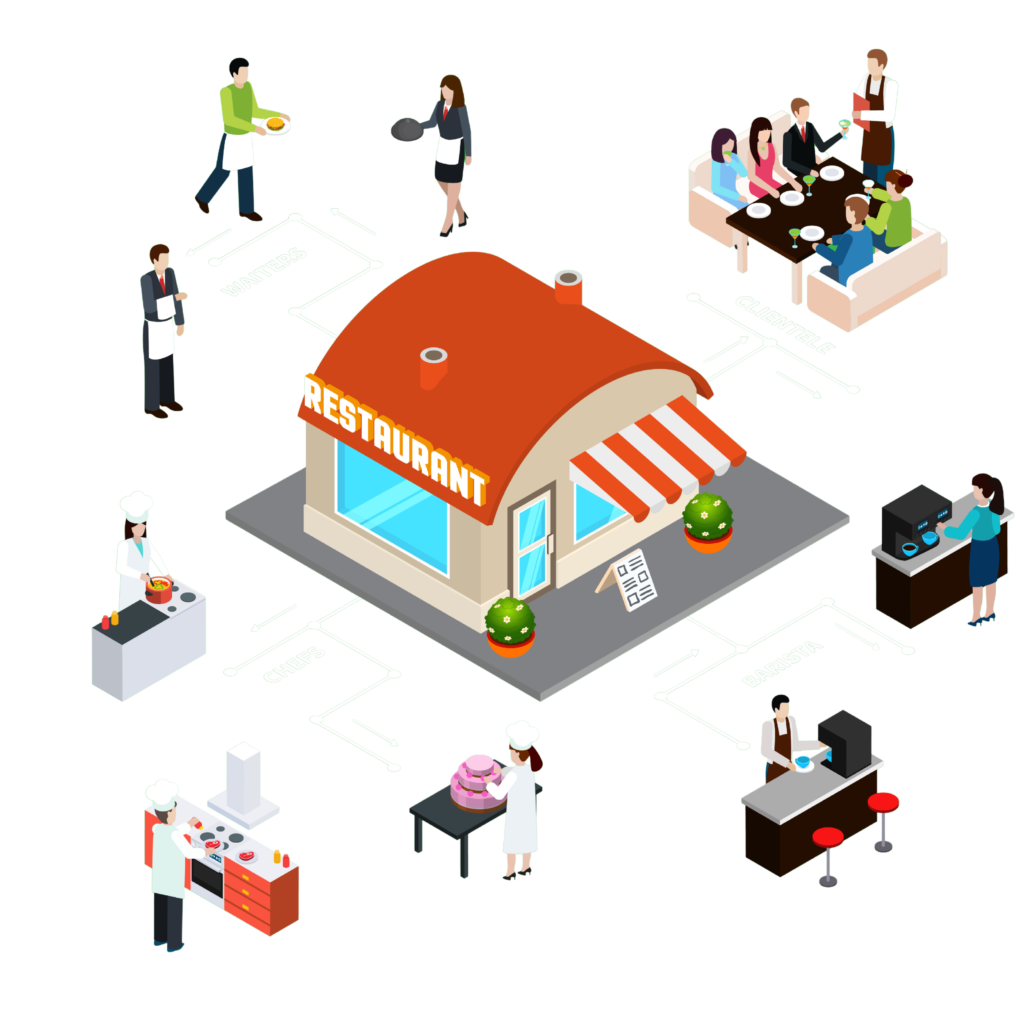
From Order to Report in an Odoo Restaurant Management System
Each step updates the same order, so floor staff, kitchen and management always see its current status.
Which Restaurants Is It For?
We configure Odoo for the way your outlets serve, cook and report.
How We Implement a Restaurant Management System on Odoo
A structured rollout that keeps service running.
Outlet Assessment
We map service, kitchen, stock, purchasing and reporting across outlets.
Why it matters: The system fits how you operate.
You get: A process map and scope.
Solution Design
Menus, floor plans, stations, recipes, roles and hardware defined.
Why it matters: No surprises on the floor.
You get: A solution blueprint.
Configuration & Development
Odoo POS configured and restaurant features built or customized.
Why it matters: A system shaped around your outlets.
You get: A test outlet.
Data & Hardware Setup
Menus, recipes, stock and staff loaded; printers and screens connected.
Why it matters: Accurate menus and stock from day one.
You get: A ready outlet.
Testing & Training
Service, kitchen, billing and closing tested with your team.
Why it matters: Staff are confident on day one.
You get: Trained teams.
Go-Live & Rollout
Pilot outlet first, then rollout to the rest with support.
Why it matters: Service continues smoothly.
You get: Live, supported outlets.
Standalone POS vs POS Plus Add-ons vs Odoo Restaurant Management
What changes when every outlet runs on one platform.
Standalone POS
- Menus updated outlet by outlet
- Stock counted by hand
- Sales exported to accounts
- No food cost view
POS plus separate add-ons
- Inventory tool not linked to sales
- Several subscriptions to manage
- Data out of sync
- Reports assembled manually
Odoo restaurant management
- One menu for every outlet
- Recipes deduct stock automatically
- Kitchen display connected to POS
- Payments posted to accounting
- Real-time sales and cost reports
The Odoo Apps Behind Your Restaurants
Standard Odoo apps, extended with custom restaurant features and integrations.
Front of house
Serving guests.
Back of house
Running the kitchen.
Management
Controlling the business.
Why Choose MP Technolabs for Your Restaurant Management System?
An Odoo team that understands service, kitchens and multi-outlet control.
How Much Does a Restaurant Management System Cost?
We estimate after understanding your outlets. The main factors are:
| Factor | Why it matters |
|---|---|
| Outlets | Number of restaurants and brands |
| Modules | POS, kitchen, inventory, accounting |
| Users and terminals | Staff, POS and kitchen screens |
| Integrations | Payments, delivery, hardware |
| Customization | Features beyond standard Odoo |
| Data setup | Menus, recipes, stock, staff |
| Apps | Guest or staff apps |
What Are the Benefits of a Restaurant Management System?
A connected restaurant system helps you:
- Serve faster with orders sent straight to the kitchen
- Control menus and prices across outlets
- Track ingredient use and reduce waste
- Close sessions with accurate cash and payments
- Plan staff and control access by role
- See sales and food cost by outlet in real time
Results depend on your starting point; we agree the KPIs to track during the assessment.
What Our Odoo Clients Say
Real words from real clients.
I’ve tried many partners, but I feel trust and experience with only the MP Technolabs team.
I appreciate working with the team — they delivered the project successfully.
I’ve never seen responsiveness like the MP Technolabs team provides — 24/7 support, they’re always there.
Restaurant Management System FAQs
Clear answers to what restaurant owners ask before choosing a system.
What is a restaurant management system?
A restaurant management system runs point of sale, tables and orders, kitchen tickets, menus, recipes and inventory, purchasing, staff and accounting for restaurants in one system.
Can Odoo be used for restaurants?
Yes. Odoo Point of Sale includes restaurant features such as floor plans, tables, bill splitting and kitchen order routing, and connects to Inventory, Purchase and Accounting.
Can it manage multiple outlets from one place?
Yes. Menus, prices, stock and reports can be managed centrally, with outlet-specific settings where needed.
Does it support a kitchen display system?
Yes. Orders can be routed to kitchen screens or printers by station, with preparation status visible to staff. Availability depends on your Odoo version and edition.
Can guests order from a QR code at the table?
Yes. Recent Odoo versions support self-ordering from a QR code or kiosk, sent directly to the kitchen.
Can it take online and delivery orders?
Yes. Orders can come from your website, and we connect delivery platforms where an integration is available.
Does it track ingredients and food cost?
Yes. Recipes deduct ingredients from stock as dishes are sold, so you can track consumption, waste and food cost.
Can it split bills and handle tips?
Yes. Bills can be split by guest or item, and tips and multiple payment methods are supported.
Does the POS work if the internet goes down?
Odoo POS can continue taking orders offline and syncs when the connection returns. We review your setup during the assessment.
Can it manage staff and shifts?
Yes. Employees log in to the POS with their own access rights, and shifts can be planned in Odoo.
Which hardware does it work with?
Odoo POS works with receipt printers, cash drawers, barcode scanners, kitchen screens and supported payment terminals. We confirm hardware during the assessment.
Can you customize it for our restaurant?
Yes. We tailor workflows, menus, receipts and reports and build custom modules where needed.
Which Odoo versions do you work with?
We have worked with Odoo versions from V8 to V20, and implement or upgrade to the version that suits you.
How long does implementation take?
It depends on outlets, modules, integrations and hardware. You receive a timeline after the outlet assessment.
How much does a restaurant management system cost?
It depends on outlets, modules, users and terminals, integrations, customization, data and apps. Request an estimate.
Ready to Connect Your Restaurant Operations?
Tell us about your outlets, menus and current systems. We’ll show you how Odoo can run service, kitchen and finance together.